This lesson was updated. Reset to the new version?
This browser isn't keeping your edits, so they're lost when you leave the page.
Angry Birds came out in 2009 and became one of the best-selling mobile games ever. You fling birds from a slingshot at fortresses of wood, glass, and stone, and knock them down onto the pigs hiding inside. Everything in it, from the arc of a bird to a tower toppling, comes from a physics simulation.
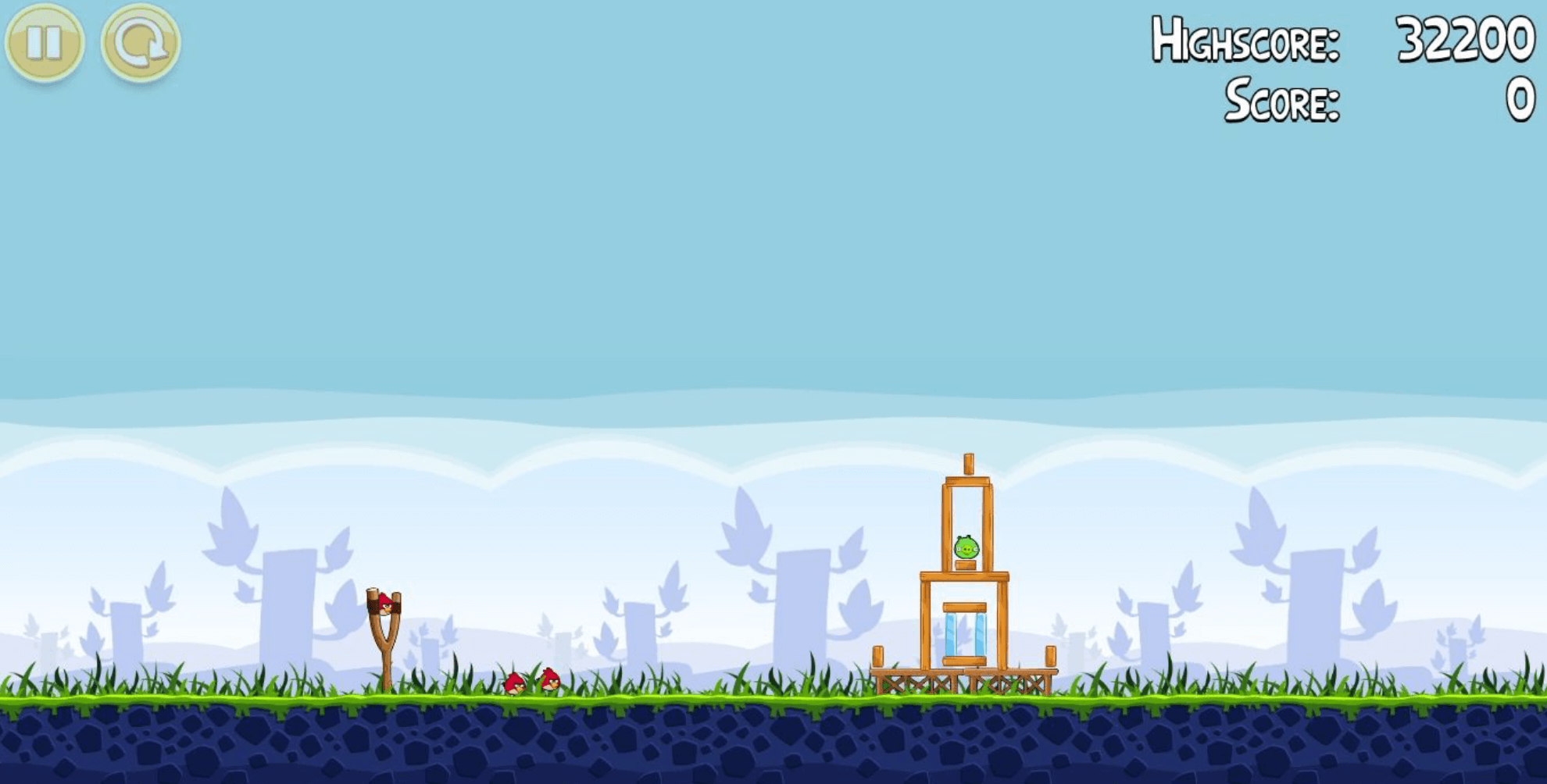
Image from Rovio
Angry-Birds-0 sets up that simulation. A few test crates drop onto the ground and come to rest. There are no birds yet; Red arrives in the next lesson.
Physics Engines
Every game so far has done its own physics. That worked because everything that collided was a rectangle that never rotated, an axis-aligned bounding box. Angry Birds has circles, planks at every angle, and towers that lean, and working out how those collide and push each other is a lot of difficult maths. So this game hands that job to a physics engine, Matter.js. Its API docs are the place to look up anything this tutorial uses.
Matter in This Project
Matter isn’t an ES module, so index.html loads it with a plain <script> tag, which makes a global Matter object. src/services/physics.js gives it a lowercase name, matter, that you have to import, so no file uses it by accident. It also creates the one engine the game uses:
22export const engine = matter.Engine.create({ enableSleeping: true });There are three ideas to know:
- The engine runs the simulation. Each call to
Engine.update()moves it forward by one step, a small slice of time. - A body is one rigid shape, with a position, angle, velocity, and mass.
Bodies.rectangle()andBodies.circle()make them. - A composite is a collection of bodies.
engine.worldis the composite holding everything being simulated, and a body only moves once it’s in there.
physics.js also sets world.gravity.scale to under half of Matter’s default, so birds fly in slow, floaty arcs. enableSleeping comes into play once there are towers, in the Block lesson.
Entities Wrap Bodies
Matter knows where a body is, but it doesn’t know what a crate looks like. GameEntity joins the two. Its constructor takes a body, adds it to the world, and keeps a link in each direction:
26constructor(game, body) {27  this.game = game;28  this.body = body;29  this.body.entity = this;30
31  Composite.add(world, body);32}
The body points back at its entity, so when Matter reports two bodies colliding, the game can find out what they belong to. Birds will need that in the next lesson.
Drawing a Body
Matter measures a body from its centre, not its top-left corner. renderFrame() moves the canvas to the body’s centre, turns it to the body’s angle, and draws the sprite from there:
64context.translate(this.body.position.x, this.body.position.y);65context.rotate(this.body.angle);66this.sprites[this.currentFrame].render(67 context,68 frame.offset.x,69 frame.offset.y,70);Each frame carries an offset, which says where its top-left corner goes, measured from the centre. A 41 × 41 crate’s offset is (-20.5, -20.5), so the art sits right over its body. Rotating the canvas first means a tipped crate draws tipped, with no extra maths. On the left, the crate is drawn at its position, the way the earlier games drew things. On the right are renderFrame()’s three parts:
The Level
Level owns everything in play. For now that’s the Background, the Ground, and the test crates, which are plain GameEntity objects around rectangle bodies:
40const crate = new GameEntity(41  game,42  Bodies.rectangle(x, y, CRATE_SIZE, CRATE_SIZE),43);44
45// A crate is a wooden square block, undamaged.46crate.loadFrames(ImageName.Blocks, blockFrames.wood[Size.Square]);
The crates are only here to show the physics working. Real blocks replace them in the Block lesson.
Level.render() draws back to front, so the crates sit in the grass. The Ground entity has no sprite of its own. Background paints the rock and grass at the top of the ground’s body, through renderGround().
PlayState creates the level in enter() and calls destroy() in exit(). There’s only one engine for the whole page, so destroy() empties its world with Composite.clear(), or every level’s bodies would pile up in it.
Fixed Steps
Level.update() moves the simulation forward with stepPhysics(). The obvious way would be the delta time every game so far has used, stepping Matter by dt each frame:
Engine.update(engine, dt * 1000); // Matter measures time in milliseconds.That changes the step size with the frame rate. It’s 16.7 ms on a 60 Hz screen, 8.3 ms at 120 Hz, and 40 ms on a stutter. The earlier games stored speed in pixels per second, so speed * dt covered the same distance every second on any screen. Matter stores velocity in pixels per step instead, and stepping it by dt causes two problems:
- Every
Engine.update()moves each body by its full velocity, however long the step is. At 120 Hz there are twice as many steps a second, so everything moves twice as fast. - Gravity is the one thing that uses the step’s length, and Matter scales it by the length squared. A step half as long gets a quarter of the pull.
Below, Red is thrown the same way on both screens, and the dashed red line is the ideal path. The left screen steps Matter by each frame’s time. The right one uses the fix that follows. Switch to 30 Hz, then 120 Hz. The left Red lands short, then flies off the world, and the right one lands in the same spot every time:
So stepPhysics() in src/objects/Level.js keeps a backlog (often called an accumulator), the time that has passed but hasn’t been simulated yet. Each frame adds its time to the backlog, and the loop spends it in steps of exactly 1/60 of a second, PHYSICS_STEP:
70this.physicsBacklog += Math.min(dt, PHYSICS_MAX_FRAME) * 1000;71
72while (this.physicsBacklog >= PHYSICS_STEP) {73  Engine.update(engine, PHYSICS_STEP);74  this.physicsBacklog -= PHYSICS_STEP;75}
The loop only spends whole 16.7 ms steps, like paying in exact change, and the leftover waits for the next frame. At 120 Hz that’s a step every other frame, and at 30 Hz two a frame. Below, the jar is the backlog, and each key is one frame of that length. Try +8.3 ms twice, then +40 ms a few times:
PHYSICS_MAX_FRAME caps a frame at a tenth of a second, so a hidden tab doesn’t fast-forward a minute of physics when it comes back. Everything else, like timers and animations, still scales by dt. The pattern is known as fixing your timestep.
Hold up the ground
The crates fall, but so does the ground. It drops out of the world and takes them with it. That’s because Ground in src/entities/Ground.js is an ordinary body, and gravity pulls on it like anything else.
A static body never moves or turns, however hard it’s hit, and gravity doesn’t touch it. Bodies.rectangle() takes an options object after the size. Give it one that sets isStatic to true, so the ground stays put.
Then watch the crates land and settle. The Challenge tab gets a ✓ once you’ve seen them all come to rest.
The options object goes inside the Bodies.rectangle() call, after GROUND_HEIGHT, with a comma before it.
If the ground still falls, check the spelling. It’s isStatic, with a capital S.
Add { isStatic: true }, on a new line under GROUND_HEIGHT, in the Bodies.rectangle() call.