This lesson was updated. Reset to the new version?
This browser isn't keeping your edits, so they're lost when you leave the page.
The Legend of Zelda first came out in 1986 and set the template for the action-adventure game: explore a world from above, fight enemies in real time, and work your way through dungeons room by room. The art in this project comes from Link’s Awakening DX on the Game Boy Color, whose dungeons are made of single-screen rooms, which suits a small canvas.
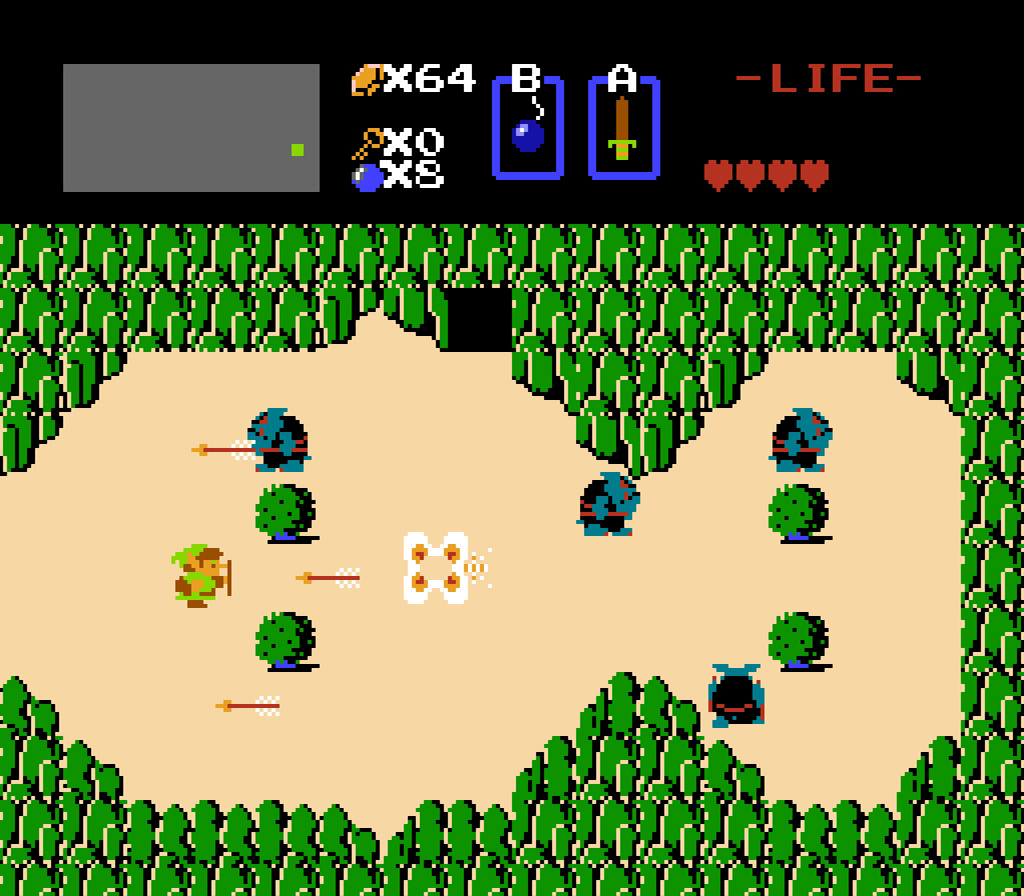
Image from Nintendo
Zelda-0 draws the first room of the dungeon from a tile map, and animates its torches and braziers. Nothing moves yet; Link arrives in the next lesson.
Project Layout
The architecture is the one you know from Mario. main.js creates a Game, registers PlayState, and starts the loop. src/ is split into folders by job:
Directorysrc/
Directoryconfig/ data and tuning values
- game.js the sizes
- rooms.js the room
- tiles.js the animated tiles
Directoryobjects/ things that make up the world
- Dungeon.js
- Room.js
- Tile.js
Directorystates/ game screens, only
PlayStatein Zelda-0- PlayState.js
- assets.js
- enums.js
- globals.d.ts
- main.js
- roomBuilder.js turns a room’s data into
Tileobjects
Files import from the same two aliases as Mario: @lib/ for the framework and @src/ for this game.
Rooms as Tile Maps
A room is a grid of 10 × 8 tiles, each 16 × 16 pixels, so one room fills the 160 × 128 canvas exactly. game.js derives every size from those numbers:
1export const TILE_SIZE = 16;2export const ROOM_COLUMNS = 10;3export const ROOM_ROWS = 8;4export const ROOM_WIDTH = TILE_SIZE * ROOM_COLUMNS;5export const ROOM_HEIGHT = TILE_SIZE * ROOM_ROWS;The room itself lives in src/config/rooms.js as one flat array of 80 tile ids, row 0 first:
2export const rooms = {3 room1: {4 tiles: [5 129, 155, 481, 160, 111, 111, 159, 481, 155, 130, 156, 111, 111, 111, 111,6 111, 111, 111, 111, 127, 156, 111, 111, 111, 111, 465, 111, 111, 111, 159,7 625, 111, 111, 111, 465, 465, 111, 111, 111, 111, 653, 111, 111, 465, 465,8 465, 111, 111, 111, 111, 156, 111, 111, 111, 111, 465, 111, 111, 111, 131,9 156, 453, 111, 111, 111, 111, 111, 111, 453, 127, 157, 128, 128, 128, 544,10 544, 128, 128, 128, 158,11 ],12 },13};Each id picks a sprite from the dungeon tile sheet. The ids come from the Tiled map editor, which numbers tiles from 1, so the sprite for id n is sprites[n - 1]. You don’t need Tiled for this project; the arrays are already in rooms.js.
Building the Room
Dungeon cuts the tile sheet into sprites once and shares them with every room it builds:
24this.sprites = Sprite.loadByGrid(25 services.images.get(ImageName.Dungeon),26 TILE_SIZE,27 TILE_SIZE,28);29this.currentRoom = this.createRoom(initialRoomName);Room hands its definition to createTiles() in roomBuilder.js, which turns each id into a Tile at its pixel position:
26return definition.tiles.map((id, index) => {27  const column = index % ROOM_COLUMNS;28  const row = Math.floor(index / ROOM_COLUMNS);29  const position = new Vector(column * TILE_SIZE, row * TILE_SIZE);30
31  return createTile(room, id, position, sprites);32});
createTiles() also checks that the room has exactly 80 ids. A missing or extra id would shift every later tile by one, and an error at start-up is much easier to track down than a scrambled room.
Animated Tiles
Most tiles are a single sprite, but torches and braziers flicker. src/config/tiles.js lists them in specialTiles, keyed by the id that marks them in a room:
8torchTop: {9 type: "torch",10 indicator: 481,11 sprites: [477, 478, 479, 480, 479, 478, 477],12 animationInterval: 0.2,13},When createTile() finds an id in this dictionary, it builds the tile from the whole sprites list instead of one sprite. Every Tile owns an Animation; a plain tile’s animation has one frame and an interval of zero, so it never changes:
21constructor(id, position, sprites, animationInterval = 0) {22 this.id = id;23 this.position = position;24 this.animation = new Animation(sprites, animationInterval);25}That means Room.update() can advance every tile the same way without asking which ones animate.
Here’s the room builder slowed down. It reads room 1’s ids in order. A plain id becomes a one-sprite tile straight away. A special id is looked up in specialTiles, its sprites are gathered, and the animated Tile built from them is placed in the grid:
Pixel-perfect Scaling
The game’s logical resolution is tiny, so lib/Canvas.js scales it up to fit the window. It only ever scales by a whole number:
58const scale = Math.max(59 1,60 Math.floor(61 Math.min(62 window.innerWidth / this.width,63 window.innerHeight / this.height,64 ),65 ),66);At a scale like 2.5×, the edge between two tiles lands halfway across a screen pixel. Even with image smoothing off, the browser has to decide which tile that pixel belongs to, and thin seams appear across the room. A whole-number scale keeps every tile edge on a pixel boundary.
Find the special tiles
Room 1’s torches and braziers don’t flicker yet, because createTile() in src/roomBuilder.js never finds a special tile. Its find() is stubbed as () => false.
Change the arrow function so it matches the entry whose indicator is the tile’s id: (special) => special.indicator === id. Animated Tiles above shows what an entry in specialTiles looks like.
Then watch the torches flicker for a second. The Challenge tab gets a ✓ once you’ve seen it work in the game.